How much does Skool take from creators?
Skool has two plans, and both give you unlimited members, courses, videos and live calls. Pro buys you a lower fee on every sale and the tools a team needs.
| Plan details | Pro | Hobby |
|---|---|---|
| Price, billed monthly | $99 a month | $9 a month |
| Price, billed yearly | $82 a month | $7.50 a month |
| Fee on each sale | 2.9% + 30¢ (3.9% + 30¢ on sales above $900) | 10% + 30¢ |
| Admins | Up to 30 | 1 |
| Custom URL | Yes | No |
| Member affiliates | Yes | No |
| Zapier and Skool Webinar | Yes | No |
Pro is the cheaper plan once your sales pass about $1,270 a month, or about $1,060 if you pay for the year. A single sale above $900 pays 3.9% on the whole amount: a $999 charge pays out $959.74. Sell a $2,000 coaching package and each sale pays $78.30 in fees, $20 more than it would at 2.9%.
Skool says most people who move to it from Stripe save 1 to 2%. Skool takes the payments itself and adds EU VAT on top of your price, so a member in Germany on a $100 plan pays $119, and you can't connect your own Stripe account.
Most coaching programs end up on Pro for reasons that have nothing to do with the fee. Hobby allows one admin, so a co-coach or a community manager means Pro, which allows up to 30. Pro is also the plan with member affiliates, so members can earn a commission you set for every member they bring in, and it's the plan with Zapier, Skool Webinar and your own group URL. The first URL change is included; each one after that costs $100.
What does Growth Boost cost a coaching program?
Growth Boost is how Skool charges for the members it finds you, through Discovery, the recommended groups beside other groups, or its own ads. Skool keeps 30% of what those members pay, plus processing, on every renewal for as long as they stay. On members you bring yourself, Skool only takes processing. Growth Boost is on by default, and you turn it off under Settings > Discovery.
Say your program has 300 members paying $99 a month, and 60 of them found you through Skool.
Growth Boost costs nearly twice what processing does on all 300 members. A member Skool found costs you $32.87 a month in fees; one you found yourself costs about $3.17. Once 36 of your 300 (12%) came through Skool, Growth Boost costs more than processing and the Pro plan put together.
Leaving it on can still pay: those are members you didn't find yourself. Just know that Skool keeps about a third of what each of them pays, every month they stay.
What happens to your Skool call recordings?
Skool runs live calls inside the app, with screen sharing and chat. A call is only recorded if you press record. When it ends, Skool sends you a notification to download the recording, and you have 14 days before it expires. To put it in front of members, you share it in a post or download it and upload it to a Classroom page.
Uploaded videos with sound get English captions automatically, and timestamps you type in become chapters. We couldn't find a Skool feature that searches what was said across your recordings or answers members from them. Run one call a week and that's 52 videos a year, each one saved and shared or uploaded by hand before members can watch it. A member who remembers you covered their question sometime in the spring has about 13 recordings to scrub through to find it.
What if your members could ask your calls?
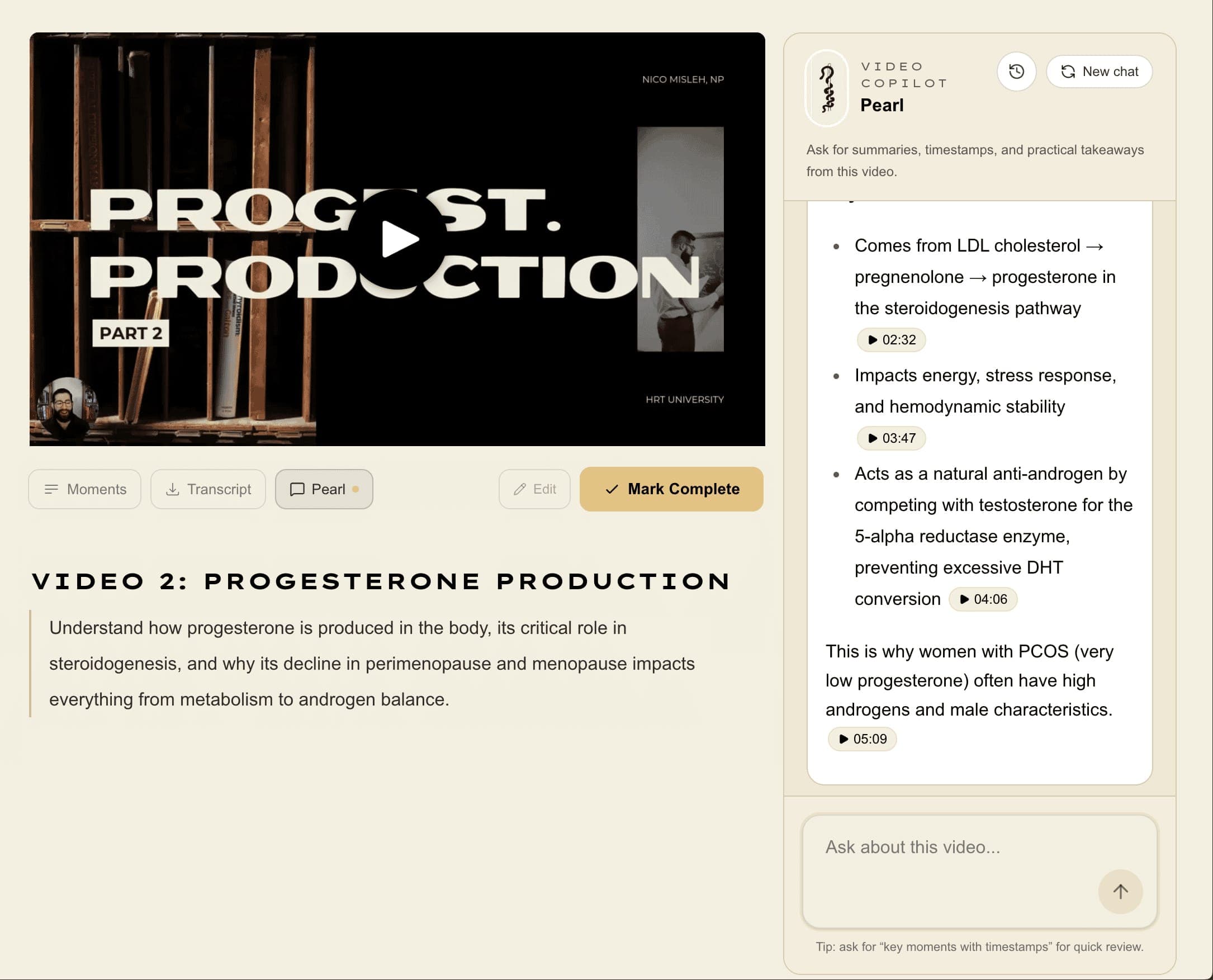
On Bold, they can. A member asks a question and gets your answer from your own recordings, linked to the minute you said it, at any hour. When the answer isn't in your library, Bold says so, and the question goes on your next call's agenda.
Your Zoom calls come in on their own, with nothing to download or upload. During launch, we move your Skool classroom, call recordings and members for you, along with any recordings you keep in Google Drive, OneDrive, Vimeo or YouTube. Your members can ask from Bold or from their own ChatGPT or Claude. Here's how a move from Skool works, and how Bold runs for coaching programs with weekly calls.
What does Bold cost?
Bold starts at $499 a month billed yearly, or $599 month to month, for up to 100 hours of recordings and unlimited members. Bringing in what you already have is a one-time launch fee of $10 per hour of recordings. The $500 minimum covers 50 hours, about a year of weekly one-hour calls. Members pay through Stripe, usually with Outseta for billing and login. Every plan starts with a call. See Bold's pricing.
Skool pricing FAQ
Does Skool pay you?
Yes. Your members pay Skool, and Skool pays the money out to your bank every Wednesday, minus its fees. Your first payout can take up to 14 days. On Pro, you can also turn on member affiliates and set the commission members earn for bringing in new members.
Do existing members keep their price if I raise it?
Yes. When you change your group's price, members who already pay keep the price they signed up at. New members pay the new price.
How much does Skool cost per year?
On yearly billing, Skool's pricing page shows Hobby at $7.50 a month and Pro at $82 a month, with two months free. That works out to about $90 a year for Hobby and about $990 a year for Pro, plus the same fee on every sale.
Is Skool free?
No. There's no free plan: after the 14-day trial, both plans bill every month or year. Skool doesn't refund any part of a period, and when you cancel, your group is archived and read-only once the period ends.